Every .NET codebase I’ve worked on eventually grows a “background work” problem. A request comes in, something slow needs to happen as a result, and nobody wants the user staring at a spinner while it does. So someone reaches for Task.Run and forgets about it. Then someone else wraps a ConcurrentQueue<T> in a while (true) loop with a Thread.Sleep(100). Then a third person adds a lock because two consumers started fighting.
None of that is necessary. .NET has had a purpose-built answer since Core 3.0, and it lives in a namespace most people have never opened: System.Threading.Channels.
What a channel actually is
A channel is a thread-safe, async-friendly queue with two ends. Producers write to one, consumers read from the other, and the channel handles the coordination in between. That’s the whole idea. Where it gets interesting is what it does that a plain queue doesn’t:
- Consumers can
awaitfor an item instead of polling - You can cap capacity and decide what happens when it’s full (wait, drop oldest, drop newest)
- Producers can signal “I’m done” and consumers find out cleanly
- It’s built for async from the ground up, so no blocking threads
If you’ve used Go, this will feel familiar. It’s very much the same concept.
The simplest possible example
using System.Threading.Channels;

var channel = Channel.CreateUnbounded<string>();

// Producer
_ = Task.Run(async () =>
{
    for (var i = 0; i < 5; i++)
    {
        await channel.Writer.WriteAsync($"message {i}");
        await Task.Delay(200);
    }
    channel.Writer.Complete();
});

// Consumer
await foreach (var message in channel.Reader.ReadAllAsync())
{
    Console.WriteLine($"Got: {message}");
}

Console.WriteLine("Done.");The consumer sits on ReadAllAsync() and wakes up whenever something arrives. No polling, no sleep, no lock. When the producer calls Complete(), the await foreach finishes on its own and the program moves on. That last bit is the part people usually get wrong when they hand-roll this, because there’s no obvious way to tell a ConcurrentQueue “there won’t be any more.”
A real use case: an in-process work queue for ASP.NET Core
Here’s where channels earn their keep. Say you have an endpoint that accepts an uploaded image and needs to generate three thumbnail sizes. The user shouldn’t wait for that. You want to accept the upload, hand off the resize work, and return immediately.
Start with a small wrapper so the rest of the app doesn’t need to know about channels at all:
public interface IThumbnailQueue
{
    ValueTask EnqueueAsync(ThumbnailJob job, CancellationToken ct = default);
    IAsyncEnumerable<ThumbnailJob> DequeueAllAsync(CancellationToken ct);
}

public record ThumbnailJob(Guid ImageId, string SourcePath);

public sealed class ThumbnailQueue : IThumbnailQueue
{
    private readonly Channel<ThumbnailJob> _channel;

    public ThumbnailQueue()
    {
        var options = new BoundedChannelOptions(capacity: 500)
        {
            FullMode = BoundedChannelFullMode.Wait,
            SingleReader = false,
            SingleWriter = false,
        };
        _channel = Channel.CreateBounded<ThumbnailJob>(options);
    }

    public ValueTask EnqueueAsync(ThumbnailJob job, CancellationToken ct = default)
        => _channel.Writer.WriteAsync(job, ct);

    public IAsyncEnumerable<ThumbnailJob> DequeueAllAsync(CancellationToken ct)
        => _channel.Reader.ReadAllAsync(ct);
}Two things worth pointing out. First, it’s bounded at 500. If the resize workers fall behind and the channel fills up, WriteAsync will wait rather than let memory grow forever. That’s back-pressure, and it’s the reason I almost never use CreateUnbounded in a web app. Second, SingleReader and SingleWriter are hints that let the channel pick a faster internal implementation when you can guarantee them. Here we can’t, so they stay false.
Now the worker. BackgroundService is the natural home for it:
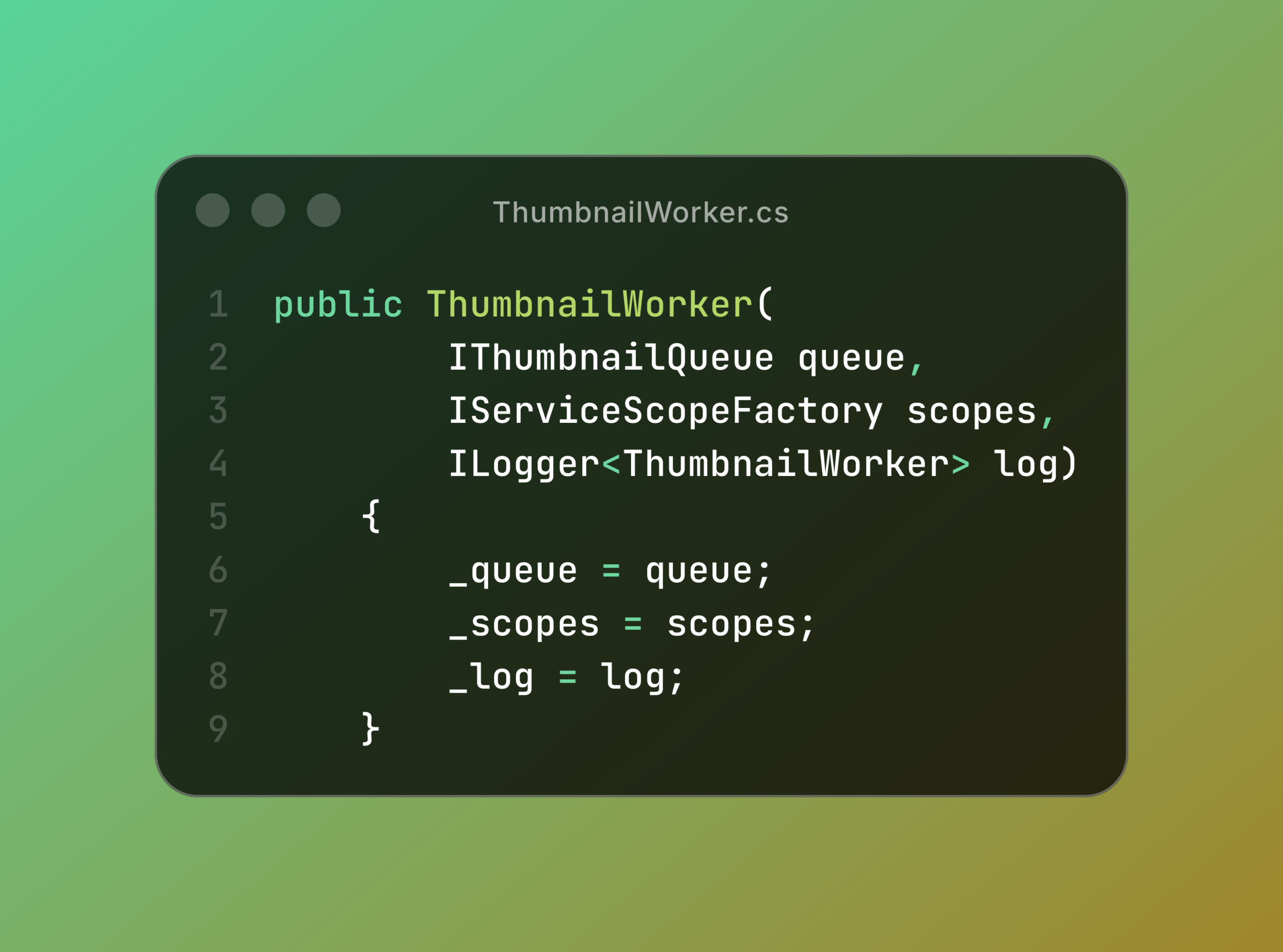
public sealed class ThumbnailWorker : BackgroundService
{
    private readonly IThumbnailQueue _queue;
    private readonly IServiceScopeFactory _scopes;
    private readonly ILogger<ThumbnailWorker> _log;

    public ThumbnailWorker(
        IThumbnailQueue queue,
        IServiceScopeFactory scopes,
        ILogger<ThumbnailWorker> log)
    {
        _queue = queue;
        _scopes = scopes;
        _log = log;
    }

    protected override async Task ExecuteAsync(CancellationToken stoppingToken)
    {
        await foreach (var job in _queue.DequeueAllAsync(stoppingToken))
        {
            try
            {
                using var scope = _scopes.CreateScope();
                var resizer = scope.ServiceProvider.GetRequiredService<IImageResizer>();
                await resizer.GenerateThumbnailsAsync(job, stoppingToken);
            }
            catch (OperationCanceledException) when (stoppingToken.IsCancellationRequested)
            {
                break;
            }
            catch (Exception ex)
            {
                _log.LogError(ex, "Thumbnail generation failed for {ImageId}", job.ImageId);
            }
        }
    }
}The scope creation matters. BackgroundService is a singleton, so if IImageResizer depends on a scoped DbContext, you’ll get a nasty runtime error unless you create a scope per job. This catches a lot of people the first time.
Wire it up:
builder.Services.AddSingleton<IThumbnailQueue, ThumbnailQueue>();
builder.Services.AddHostedService<ThumbnailWorker>();And the endpoint becomes trivial:
app.MapPost("/images", async (IFormFile file, IThumbnailQueue queue, CancellationToken ct) =>
{
    var id = Guid.NewGuid();
    var path = Path.Combine("uploads", $"{id}{Path.GetExtension(file.FileName)}");

    await using (var stream = File.Create(path))
        await file.CopyToAsync(stream, ct);

    await queue.EnqueueAsync(new ThumbnailJob(id, path), ct);

    return Results.Accepted($"/images/{id}", new { id });
});The request returns a 202 in a few milliseconds. Thumbnails show up shortly after.
Multiple consumers
Want more throughput? Spin up more readers. Channels are safe for this out of the box:
protected override Task ExecuteAsync(CancellationToken stoppingToken)
{
    var workers = Enumerable.Range(0, 4)
        .Select(_ => ProcessAsync(stoppingToken));

    return Task.WhenAll(workers);
}Each ProcessAsync runs the same await foreach loop from before. Four jobs in flight at once, no locks, no shared state to worry about.
Choosing a full mode
For bounded channels, FullMode decides what happens when there’s no room:
| Mode | Behaviour |
|---|---|
Wait | Producer awaits until space frees up (default, and usually right) |
DropOldest | Throw away the oldest queued item to make room |
DropNewest | Throw away the most recently queued item |
DropWrite | Discard the item being written |
DropOldest is handy for things like live metrics or UI updates where a stale value is worthless. For anything that represents real work, stick with Wait.
What channels are not
They’re in-process only. If your app restarts, whatever was in the channel is gone. If you run three instances behind a load balancer, each has its own channel. So this isn’t a replacement for RabbitMQ or Azure Service Bus when you need durability or cross-service messaging.
But a surprising amount of “we need a queue” turns out to mean “we need to not block this request.” For that, a channel plus a BackgroundService is about thirty lines and no infrastructure. Reach for the message broker when you actually need one.
Wrapping up
System.Threading.Channels fixes a problem most teams solve badly, and it does it with a small, well-designed API that’s been sitting in the framework this whole time. If you’ve got a ConcurrentQueue and a polling loop somewhere in your codebase, this is your sign to replace it.